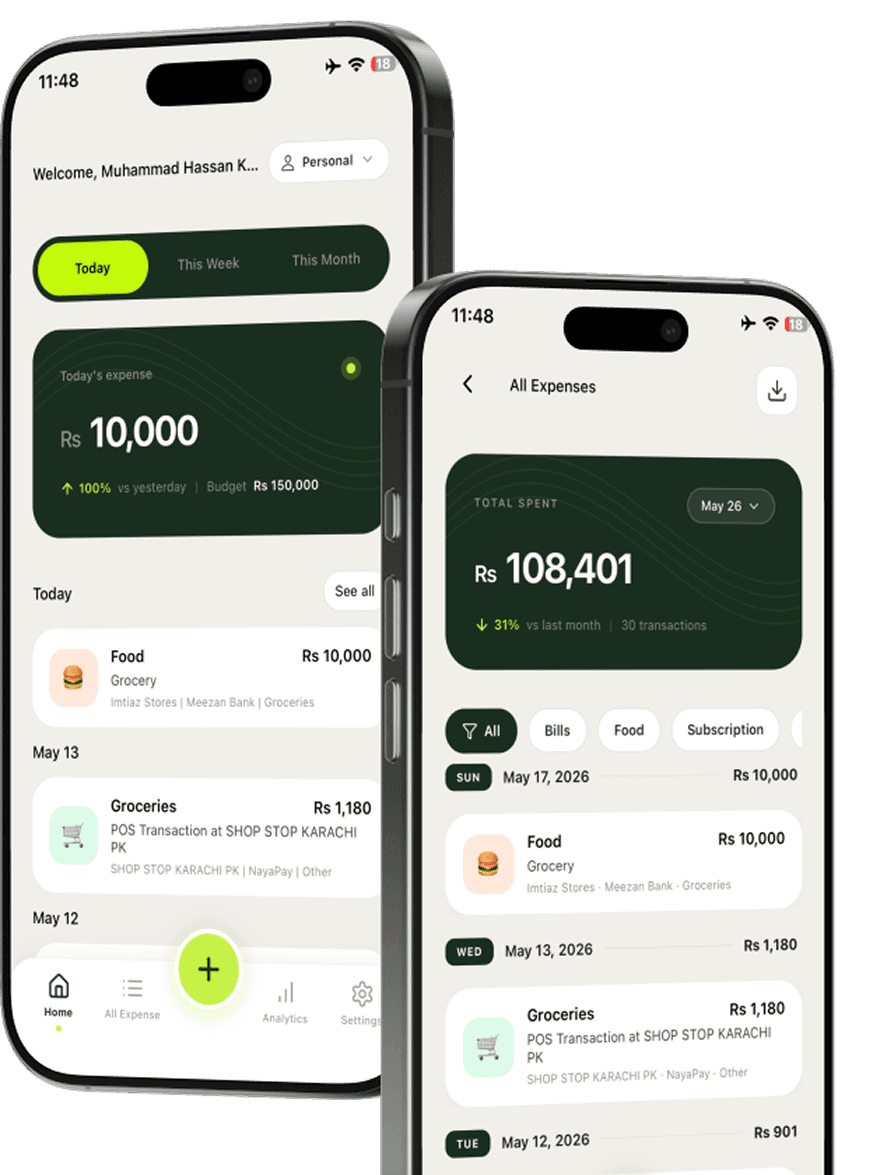
Forward the email
Send a supported receipt or bank email to your TrackFi forwarding address.
Keep expenses out of your inbox pile. Forward supported bank or receipt emails to TrackFi and let AI organize the details for you.


Forward from your inbox · AI extracts the details
When receipts land in your inbox, forward them to TrackFi. AI extracts the key details and keeps the expense organized so you can move on.
Send a supported receipt or bank email to your TrackFi forwarding address.
TrackFi extracts expense information such as merchant, amount, and date.
The expense lands in your account so you can review it later without retyping anything.
Digital receipts and bank notices often arrive by email. Forward them before they get buried.
Let TrackFi pull the details so you spend less time copying amounts and merchants.
Email expenses sit alongside receipts, WhatsApp logs, and other TrackFi entries.
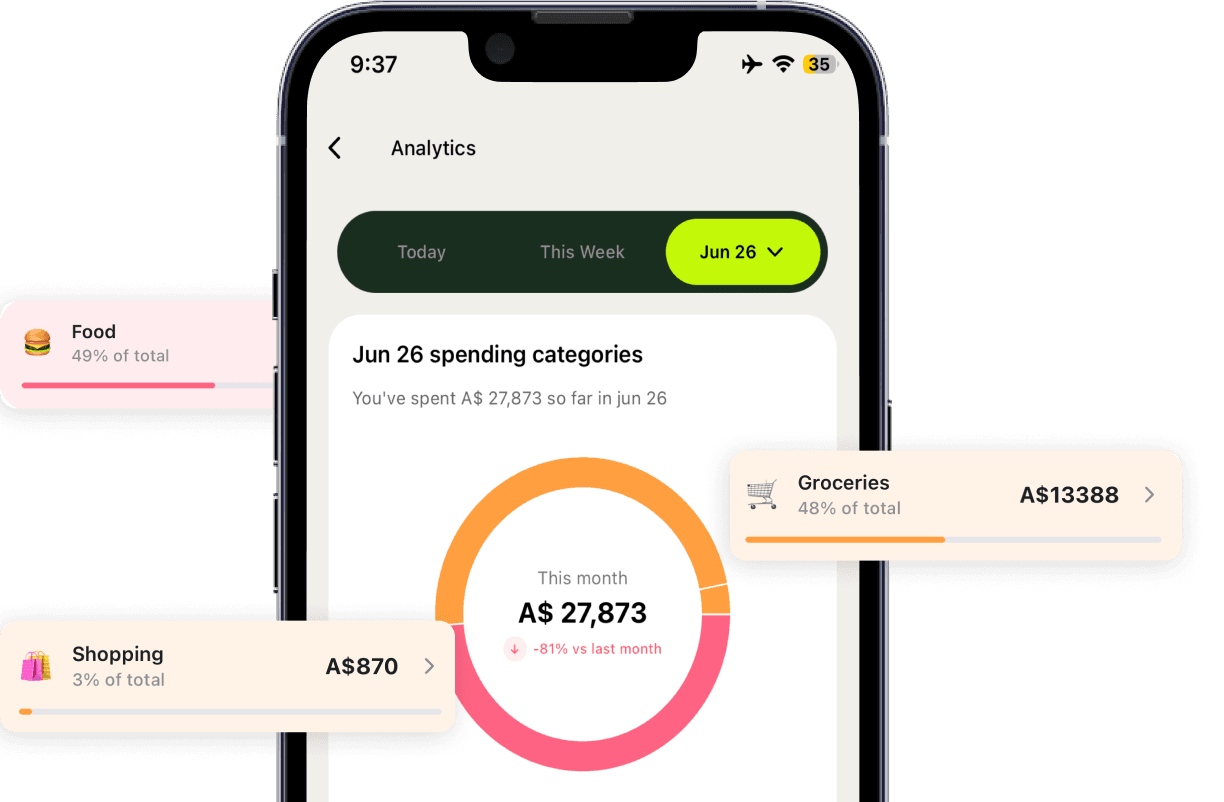
Open TrackFi later to check categories, accounts, and spending insights.
Many purchases already send a receipt to your inbox. TrackFi lets you forward those emails and turn them into organized expenses without starting from a blank form.
Prefer a photo instead? Use the receipt scanner app. Prefer a quick message? Try the WhatsApp expense tracker.
Forward a supported bank or receipt email to your TrackFi forwarding address. AI reads the message, extracts the expense details, and saves it in your account.
TrackFi looks for details such as the merchant, amount, and date, then organizes the expense for you.
No. Forward the email and let TrackFi handle the details so you avoid copying information by hand.
Yes. Email forwarding is one way to log expenses. You can also scan receipts in the app or send messages through WhatsApp.
Get started free and log expenses from your inbox with less manual work.